
Compare and migrate Oracle EBS and Fusion configurations across environments, identifying mismatches before deployment and reducing manual validation effort for teams. with less manual effort
ConfigRite gives teams visibility into configuration differences before deployment, reducing missed changes, manual validation and rework across Oracle environments.
Identify configuration changes before they cause deployment issues
Compare environments at functional-area or task level
Reduce manual setup validation across DEV, TEST, UAT and PROD
Move configurations through environments with less rework
Improve confidence that target setups match intended configurations
Less setup validation · Faster, safer releases
CONFIGRITE PRODUCT HIGHLIGHTS
Configuration Control, End To End
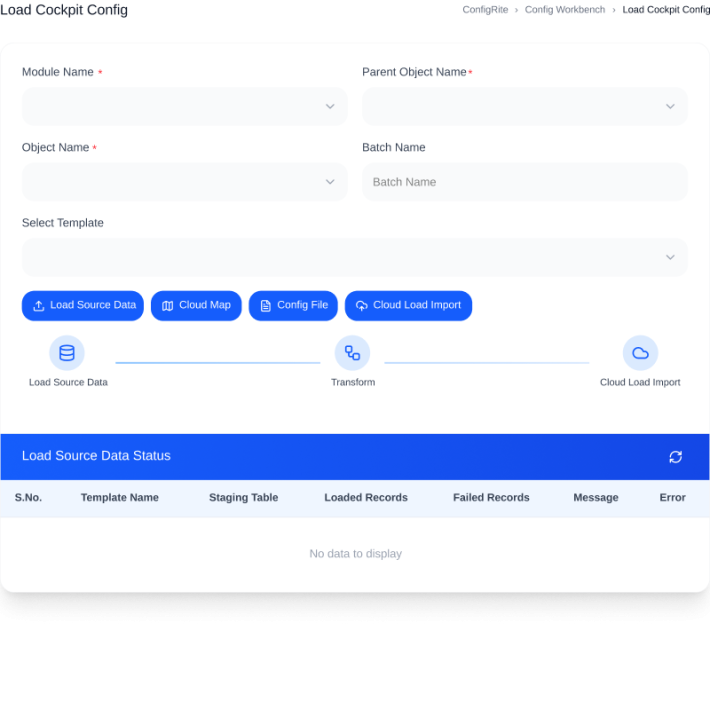
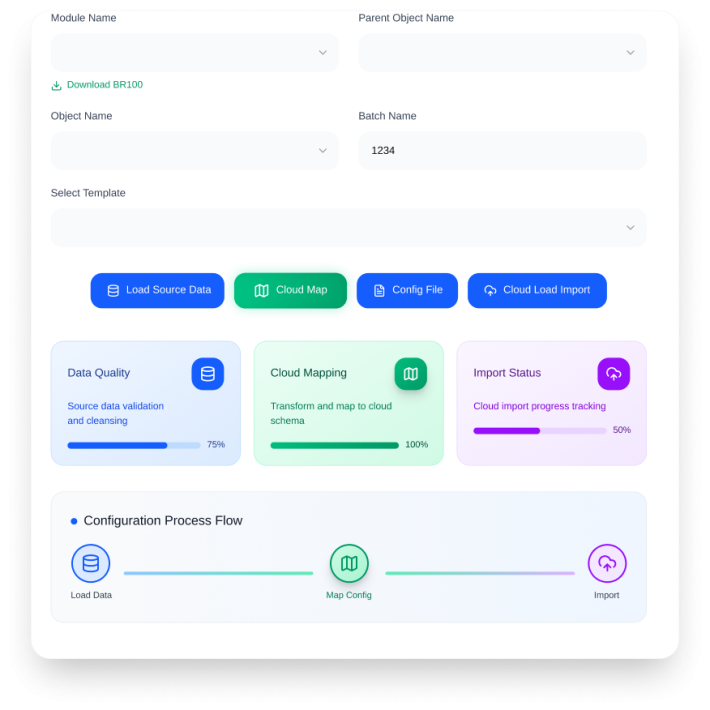
ConfigRite brings extraction, comparison, validation and migration together so teams can manage Oracle configurations through one controlled, repeatable workflow.
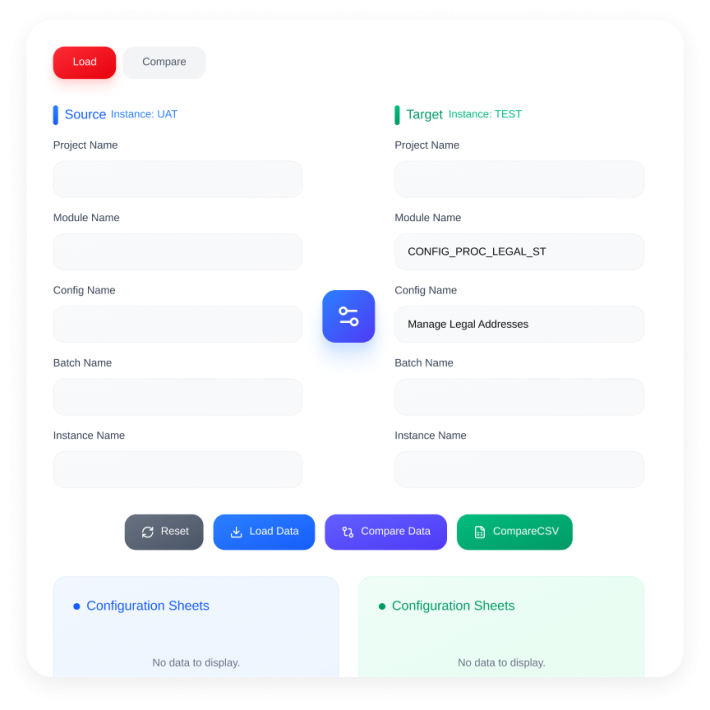
Compare Fusion-to-Fusion or EBS-to-Fusion configurations before deployment
02
Surface differences at functional-area and task level for faster business
03
Generate detailed mismatch reports for review and correction across environments
04
Migrate configurations across PODs with one-click deployment
05
Use pre-built Oracle queries and adaptors for faster extraction
06
AI-assisted comparison highlights additions, modifications and deletions for review
07
Conduct a patch analysis to understand how an Oracle Fusion patch can affect existing setups
08
Copy & duplicate a configuration for a new entity within the same pod
09
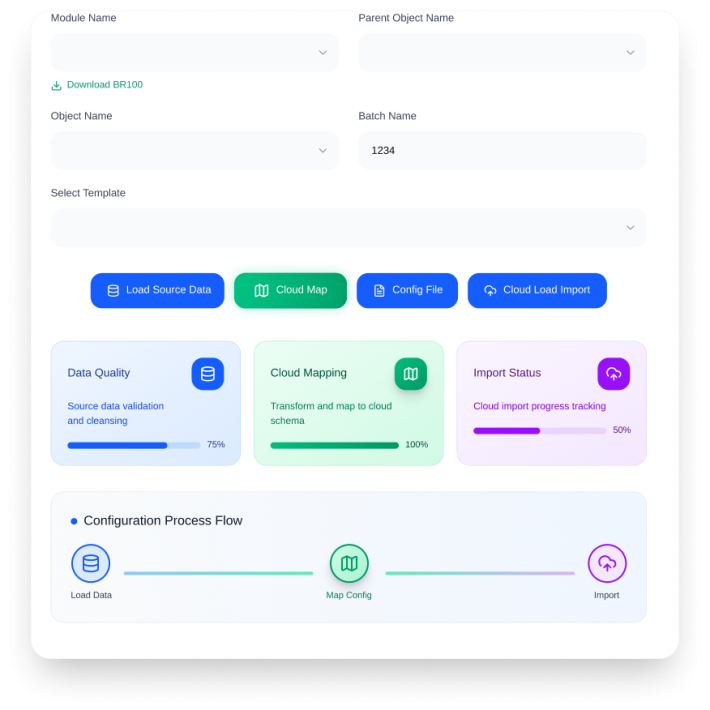
Automatically generate the BR100 configuration worksheet
HOW CONFIGRITE WORKS
From Setup To Deployment
ConfigRite turns configuration migration into a controlled process, with AI-assisted comparison and validation before changes move between Oracle environments.
1
Extract configurations using pre-built Oracle queries and adaptors from source environments
2
Compare source and target instances at the required functional level.
3
Review automated mismatch reports and confirm required changes before deployment.
4
Export your way
Export results to Excel, CSV, JSON, HTML, XML and SQL, with options to control the output.
5
Validate the target configuration before moving approved changes forward.
06
Promote approved configurations across environments with one controlled deployment.