
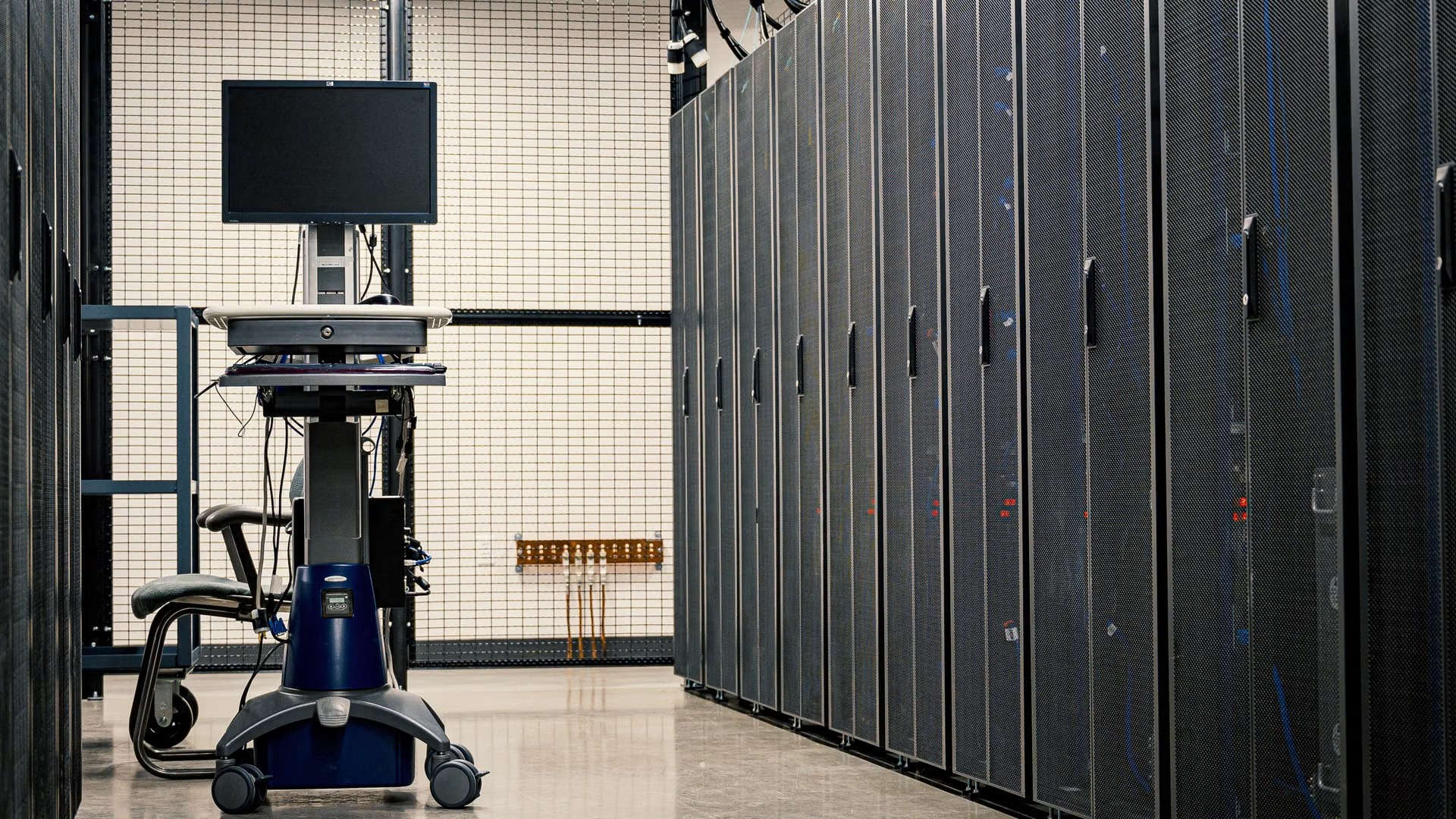
It is easy to think of AI as a matter of fast computers, GPUs above all. But AI learns from massive datasets, and those need storage that is fast, reliable and able to scale.
Businesses already use AI for chatbots, fraud detection, factory management and predicting when machines will fail. All of it depends on how well the data underneath is stored and managed.
Poor storage can slow down or even stop an AI project, no matter how good the algorithms are.
Why AI needs better storage
Storage for AI is different from regular business storage in six ways.
- Huge amounts of dataModels learn from massive datasets, often petabytes of images, video, text and sensor data.
- Fast accessTraining reads and writes large amounts of data quickly. Slow storage means longer training.
- Multiple data typesStructured data from databases, and unstructured data such as PDFs, images and logs.
- ScalabilityWhat works today may not be enough tomorrow, so storage has to grow quickly too.
- Flexible costsOlder or less-used data should be able to move to cheaper storage.
- Hybrid needsSome companies keep part of their data on-premise and use the cloud for AI.
Why migrate Oracle databases to OCI for AI
Many businesses already keep important business data in Oracle databases. AI systems often need that structured data, such as sales or inventory, together with unstructured data. Moving the databases to Oracle Cloud Infrastructure (OCI) brings the data closer together, so models can run without delay.
You also get Oracle Exadata and Autonomous Database options built for speed and reliability, an easy connection to OCI Data Science and other analytics services, enterprise-grade security, compliance and access control, and pricing where you pay for what you use and scale up or down as needed.
Moving from on-premise to OCI, fully or in part
Storing everything on-premise can be expensive, hard to manage and hard to scale, especially for AI. On OCI it is easier to handle large datasets and growing storage needs, and to try new AI tools without investing in more hardware. Cloud backups and geo-redundancy cover disaster recovery, and you can run AI systems that serve users worldwide.
You don’t have to move everything. A hybrid storage model keeps some data on-premise and uses OCI for the rest. Oracle also offers Cloud Lift Services, with guidance from Oracle engineers on planning and carrying out the migration at no extra cost.
Oracle cloud migration tools, and what each one does
- Oracle Zero Downtime Migration (ZDM)
- Moves databases to OCI with almost no downtime. Ideal for business-critical systems.
- Oracle Data Pump and RMAN
- Export and import data between systems.
- Oracle GoldenGate
- Replicates data in real time from your current environment to the cloud.
- OCI Data Integration
- Transforms and cleans data as you move it, which suits preparing AI datasets.
These tools give you control over how and when you move your data. They also let you monitor the process and roll back changes if needed.
Where to start
If you plan to grow your AI capabilities, now is the time to review your storage strategy. Rite can help you migrate Oracle databases to OCI, move from on-premise to OCI, and put Oracle’s migration tools to work. Talk to Rite.
Common questions
Why does AI need different storage?
It learns from massive datasets and reads and writes them quickly during training. Storage has to be fast, handle structured and unstructured data, and scale as the projects grow.
Can I keep some data on-premise and still use OCI for AI?
Yes. A hybrid storage model keeps some data on-premise and uses OCI for the rest.
Which Oracle tool moves a database to OCI with almost no downtime?
Oracle Zero Downtime Migration (ZDM). It is suited to business-critical systems.